
UYLC's Alcohol Awareness VR Sim
A downloadable simulator for Android
Your choices matter!
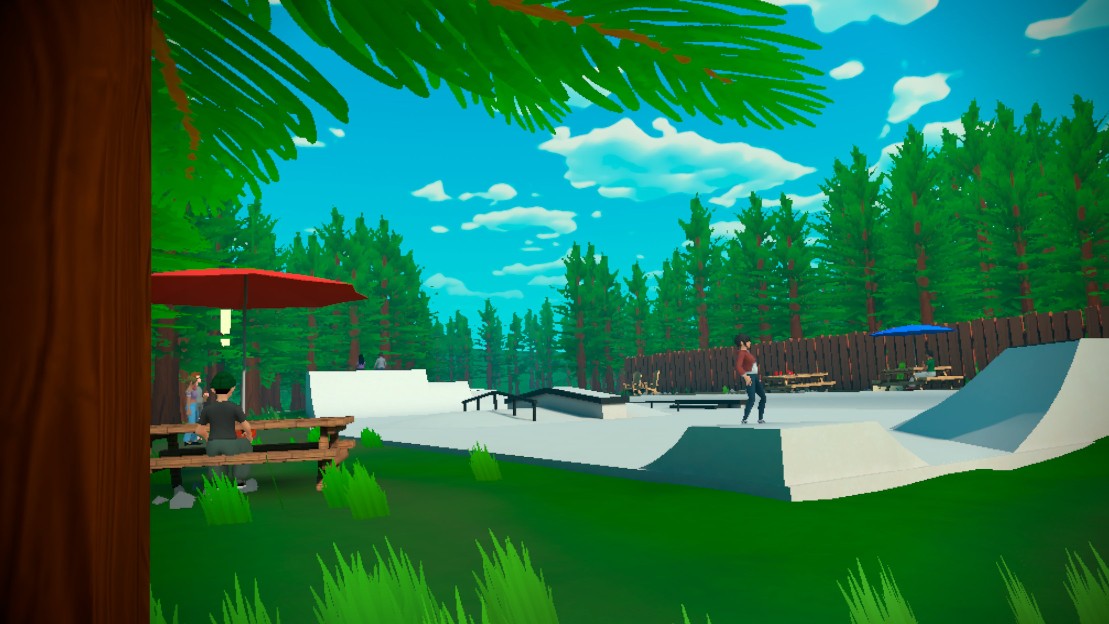
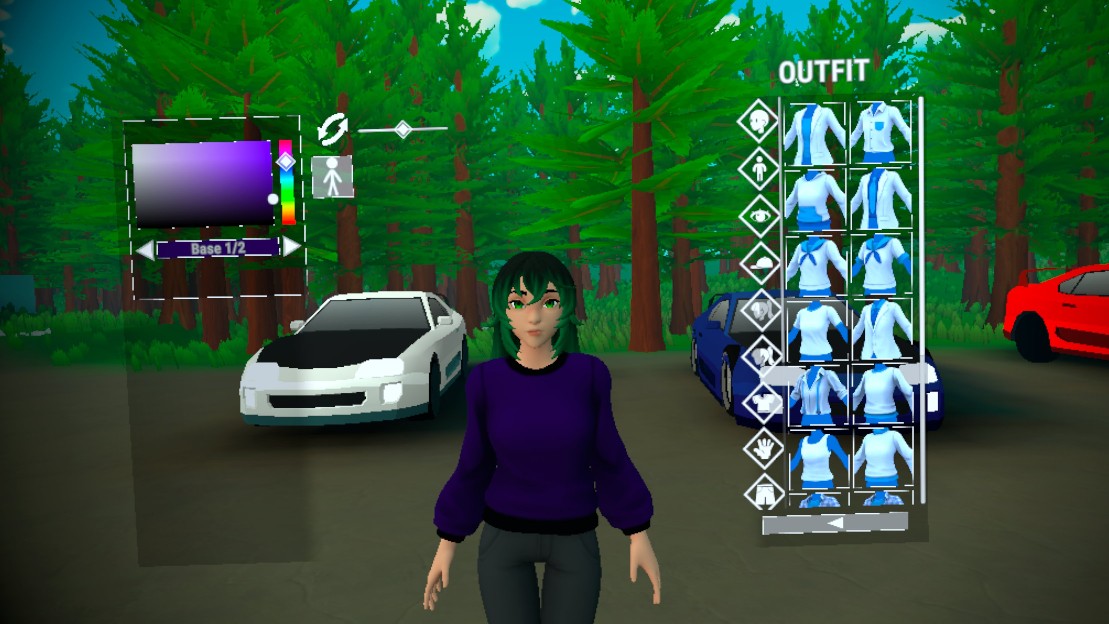
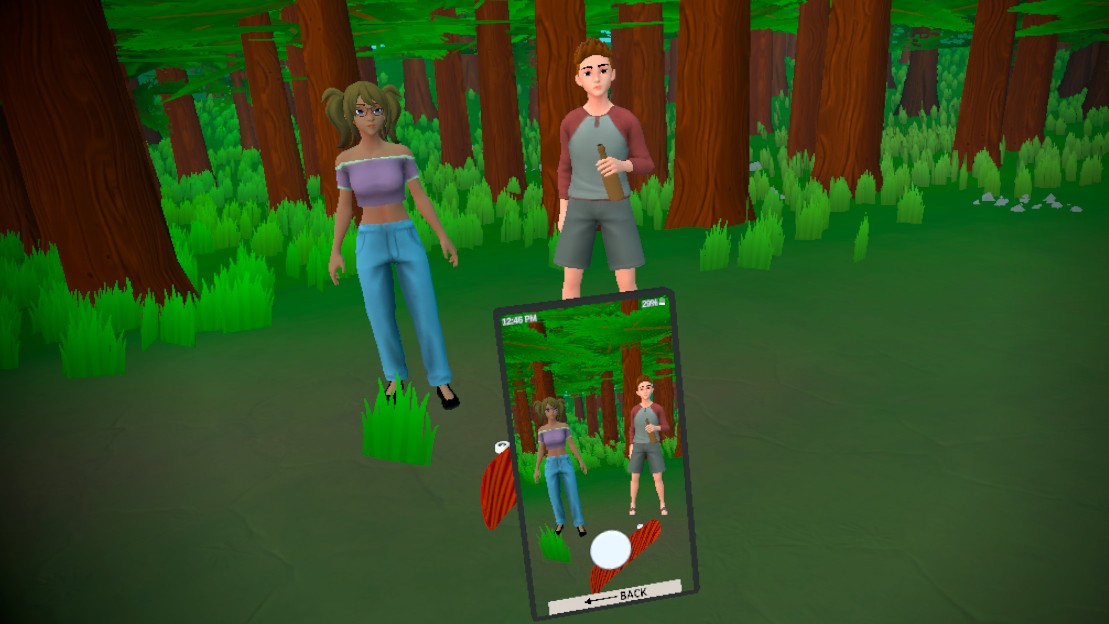
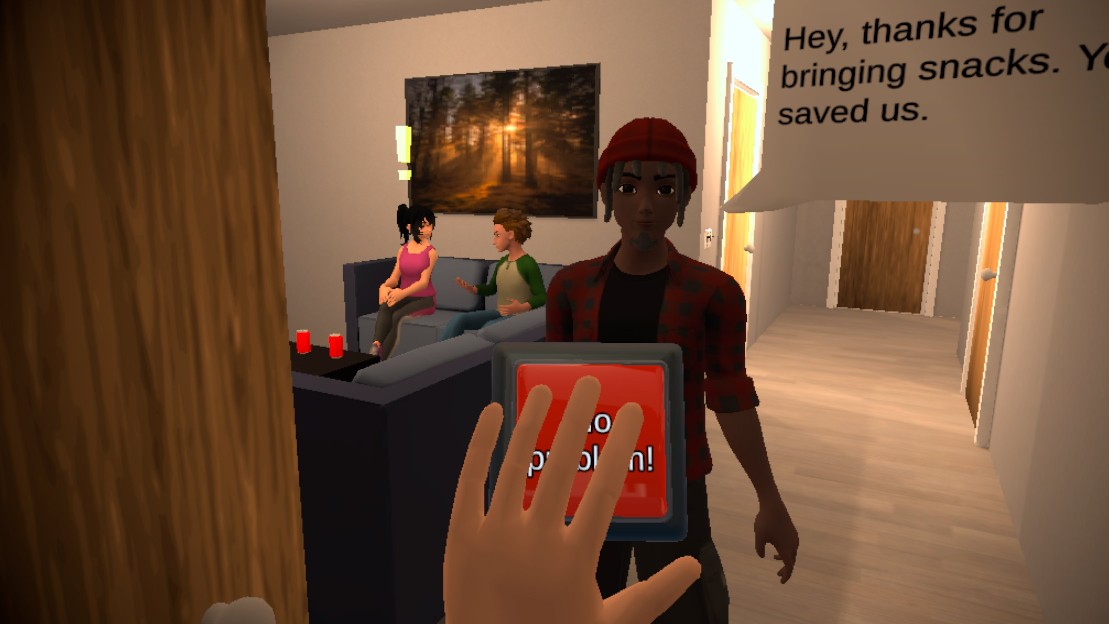
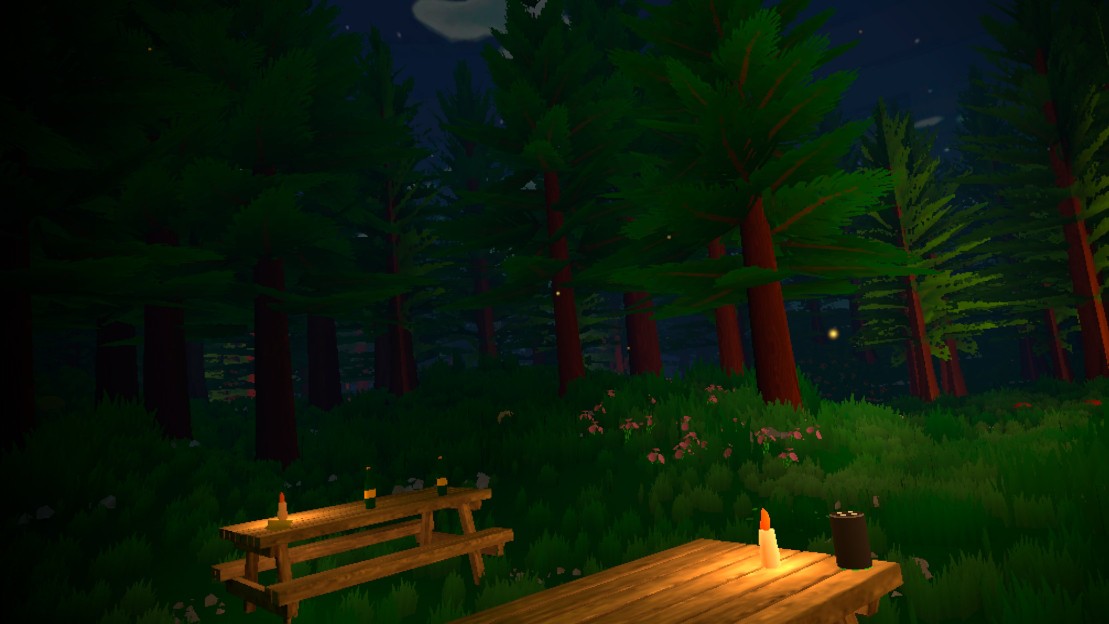
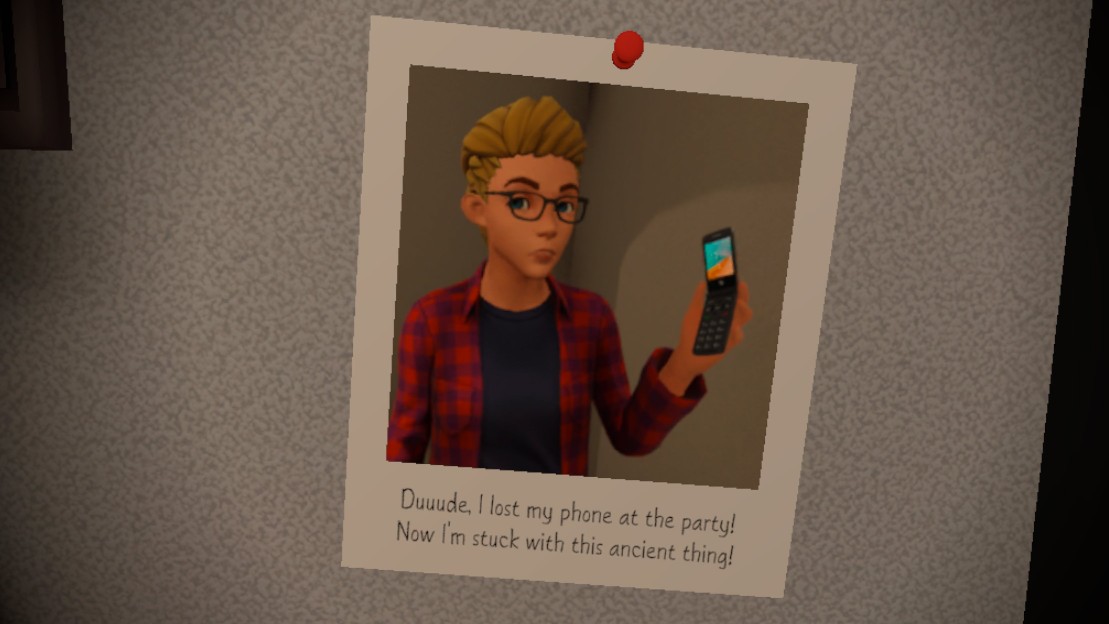
This is a VR simulation to teach young adults and teens the potential consequences of alcohol (alongside a couple marijuana interactions). Throughout the simulation, you will make choices that affect the outcomes at the end of the game.
Fun & Informational!
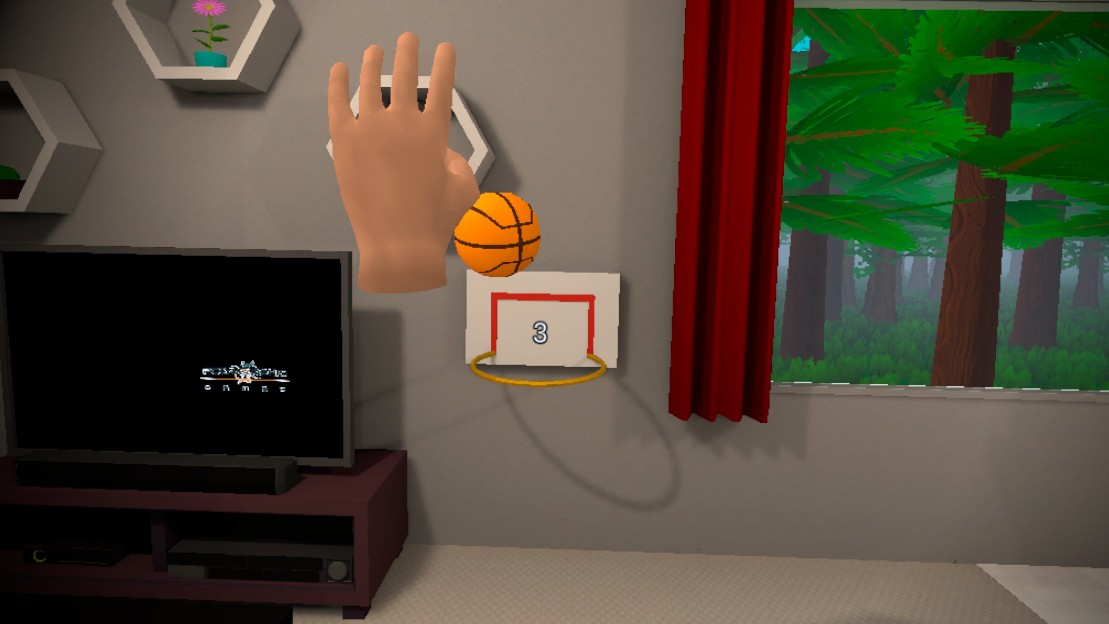
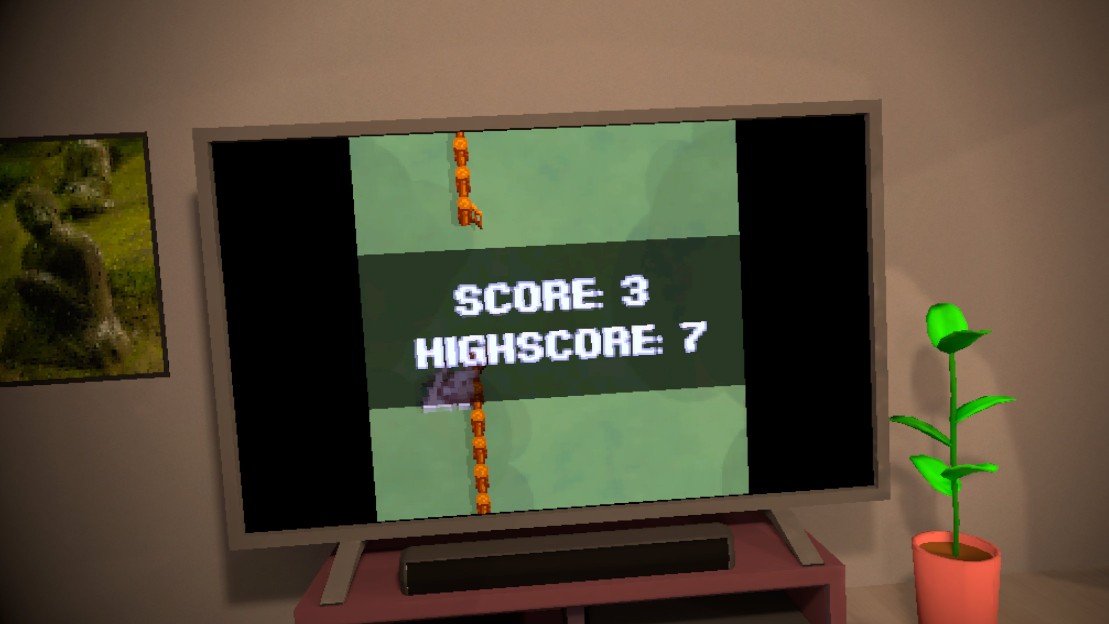
Multiple studies have shown that making an information experience fun improves both attitude towards the information and the results. Throughout the different areas of the sim, you'll find a variety of minigames!
Accessibility Features:
- Interactive guided tutorial
- Customizable tunneling vignette
- Smooth turning & snap turning
- Toggle grabbing
- Ranged interactors
- Crouching input
Note from the dev team: We know the project isn't flawless, but we appreciate the opportunity to learn to work in VR and hope you find some joy in the project. Thank you to Polymorphic Games and UYLC for the opportunity and patience with development.
Developed by Polymorphic Games. Funded and proposed by Upriver Youth Leadership Council. This project was funded in part by funds from the Idaho State Liquor Division (ISLD) and the National Alcohol Beverage Control Association (NABCA).
AI disclaimer: The voices in the game are generated using ElevenLabs text to speech generator.
Download
Install instructions
Note: you can download a PDF version of these instructions above with images
- Click download next to Alcohol Awareness Sim VR.apk file
- Connect the headset to the computer via USB 2.0 or higher cable
- Quickly put the headset on and click the small black “USB detected” notification to allow the computer access to the headset (Note: this pop up may disappear if not clicked, just redo this step)
- Open the computer/laptop’s file browser
- On the computer navigate the File Explorer to find the Oculus headset as a drive
- Copy the Alcohol Awareness Sim VR.apk file from the computer's Downloads folder into the Oculus's Downloads folder
- Put the headset back on
- Open the Meta Horizon Store
- Search VR Android File Manager
- Download the app (Note: any similar app should work)
- Open VR Android File Manager
- Navigate to the headset's Downloads folder
- Double click the Alcohol Awareness Sim VR.apk file
- Follow the installation prompts
- Open the Oculus App Library
- Navigate to the Unknown Sources tab
- Run the Alcohol Awareness Sim VR executable
Leave a comment
Log in with itch.io to leave a comment.